 NGN
 KES - Kenya
 UGX - Uganda
 TZS - Tanzania
 RWF - Rwanda
 ZAR - South Africa
 USD - Zimbabwe
 GHS - Ghana
 ETB - Ethiopia
 ZMW - Zambia
 USD - International

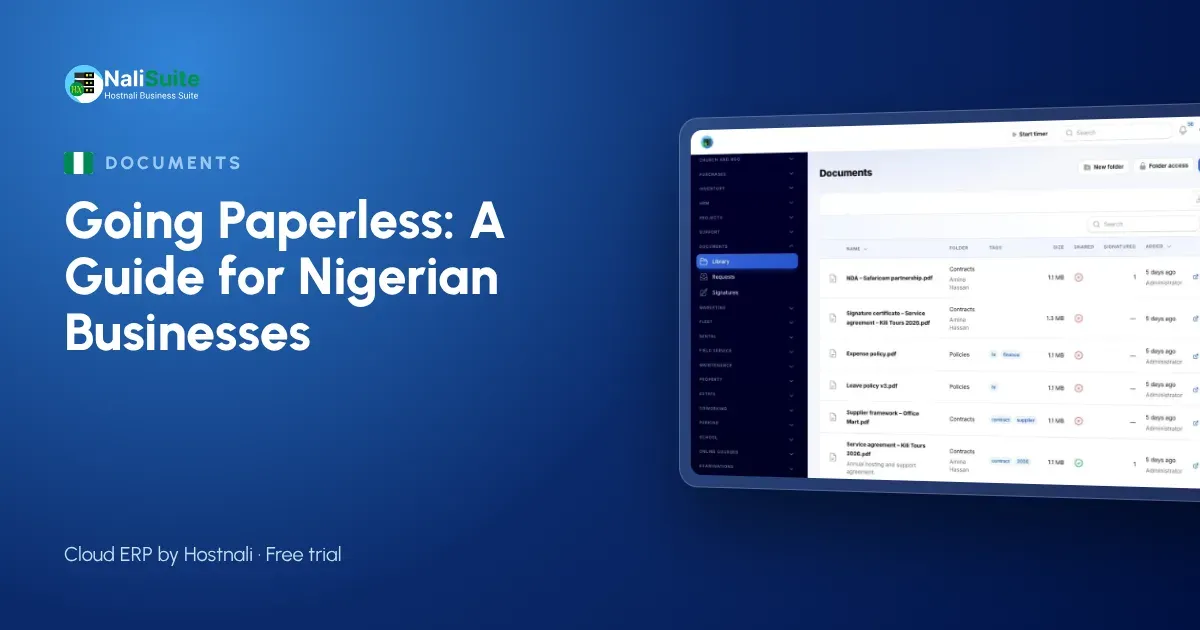
Nigerian offices produce paper at an impressive rate: waybills, delivery notes, receipts from fuel stations, staff files, quotations printed for signing and then scanned back. Much of it is copied two or three times, and the one copy you need is always in a file in another branch.
The easiest way to go paperless is not to attack all of it at once, but to go department by department. Here is how a logistics company in Lagos did it.
The example: a logistics company in Ikeja
A haulage and last-mile delivery company in Ikeja, Lagos, runs trucks to Ibadan, Abuja and Port Harcourt and vans around Lagos. It has around forty staff, an operations office and an accounts team. Every trip generates paperwork; every month ends with a scramble to match receipts to trips.
Department 1: sales and customers
The paper before: quotations printed, signed, scanned and emailed; customer contracts in a cabinet; copies requested by customers by phone.
Paperless instead:
- Quotes and invoices are created in NaliSuite Invoicing and sent by email, with an online payment option through the company’s payment provider.
- Customer contracts are sent for e-signature in NaliSuite Documents. Signers sign online, and the company receives a stamped PDF with an audit certificate showing who signed, when and from where.
- Signed contracts and proofs of delivery are shared with customers through the customer portal, so they download their own copies.
For businesses covered by the e-invoicing rules, NaliSuite provides the FIRS e-invoicing connection. The business registers and gets its own credentials.
Department 2: purchases and suppliers
The paper before: supplier invoices from mechanics, tyre dealers and fuel stations, collected in envelopes from drivers and typed in at month end.
Paperless instead:
- Purchase orders are raised in NaliSuite Purchases, so every supplier bill has something to match against.
- Drivers photograph receipts and the Document AI add-on reads supplier invoices and receipts into bills or expenses for the accounts team to check. It runs on the company’s own Anthropic API key.
The month-end envelope pile disappears, and fuel spending is visible during the month, not after it.
Department 3: human resources
The paper before: a folder per employee with the application, contract, guarantor forms, IDs and leave forms; payslips printed and handed out.
Paperless instead:
- Employee records live in NaliSuite HR, with contracts and policies stored in Documents and signed online.
- New staff upload their documents through a document request instead of bringing photocopies.
- With employee self-service, staff apply for leave, download payslips and claim expenses from the employee app, which installs on any phone from the browser. Leave forms and printed payslips are no longer needed.
HR files hold some of the most sensitive data in the business, so access is limited by role.
Department 4: finance and records
The paper before: bank statements printed for reconciliation, receipt books, a cabinet of past years’ records for audits.
Paperless instead:
- Bank statements are imported, or bank feeds connected, and bank reconciliation suggests the invoice or bill each line belongs to, so the accounts team stops ticking printed statements with a pen.
- Supporting documents are stored in folders by year and type, with tags, search and versions.
- When the auditor asks for something, it is shared through a secure link rather than photocopied.
How to organise digital documents
A paperless office fails if people cannot find things. The Ikeja company agreed on three rules:
- One folder structure for everyone: by department, then by customer, supplier or employee, then by year.
- Tags for document types: contract, waybill, invoice, receipt, policy.
- The latest version is the only version you edit. Documents keeps every earlier version, so nothing is lost.
Access is set by role and person: drivers see their trip documents, managers see their department, and only HR sees staff files.
What about signatures and legal validity?
Each e-signature is recorded with an audit certificate showing signer, time and IP address, which supports its validity. Some documents may still need a particular form of signature, witnessing or a physical original. Check the rules for your type of document in Nigeria, and keep originals of documents where the law requires them.
Data protection
Staff files, customer contracts and IDs contain personal data under the Nigeria Data Protection Act. Digital records with access control are easier to protect than open cabinets, but only if you limit who can see what and remove access when staff leave.
Branches and depots
With depots in Ibadan and Port Harcourt, the Ikeja office used to wait for paper to arrive by road. Now each depot files its documents in the same folders, and head office sees them the same day. When a customer in Port Harcourt asks for a proof of delivery, any staff member in any branch can find and share it.
Frequently asked questions
Where do we start if we have years of paper?
Start with new documents. Create, sign and store everything new digitally, and scan old files only when you need them.
Can drivers send receipts from the road?
Yes. With Document AI, receipts and supplier invoices are read into bills or expenses for the accounts team to check.
Can customers download their own documents?
Yes. Share them through a secure link or the customer portal, where each customer sees only their own records.
Try NaliSuite
Documents, Purchases, HR and Invoicing come with every NaliSuite plan, from ₦3,125 a month. See the plans and move one department in during the free trial.