 NGN
 KES - Kenya
 UGX - Uganda
 TZS - Tanzania
 RWF - Rwanda
 ZAR - South Africa
 USD - Zimbabwe
 GHS - Ghana
 ETB - Ethiopia
 ZMW - Zambia
 USD - International

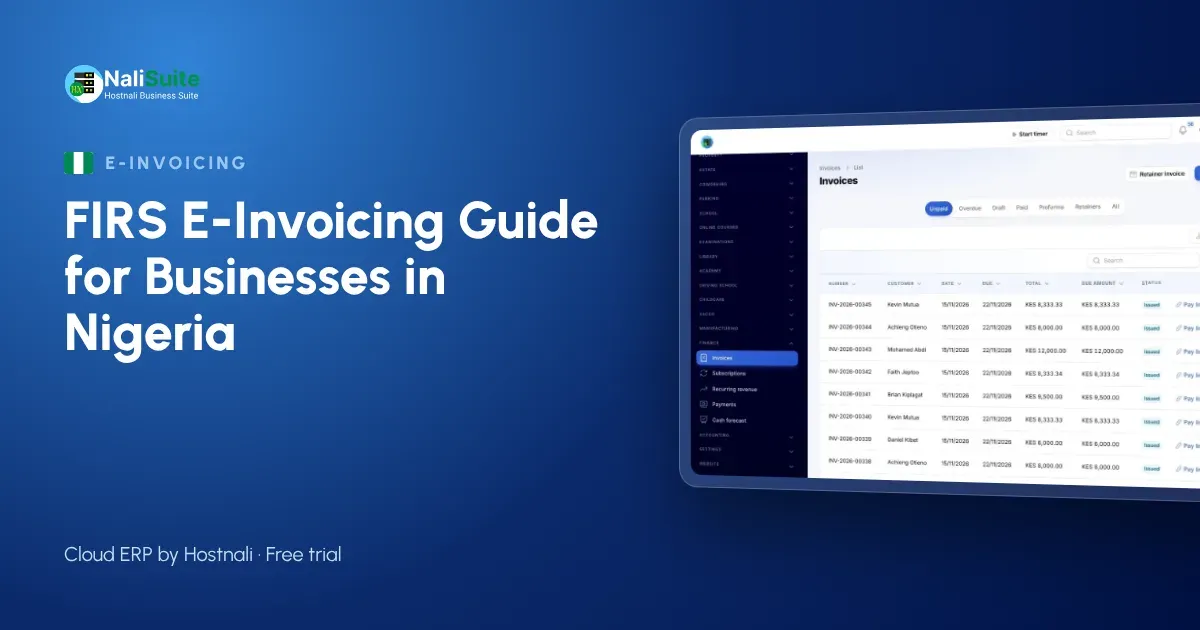
E-invoicing is arriving in Nigeria in phases. Large taxpayers are already required to e-invoice, and medium and smaller businesses are being brought in step by step. Many people still search for it as “FIRS e-invoicing”, but the system is now run by the Nigeria Revenue Service (NRS), which replaced FIRS.
This guide explains what e-invoicing means for a business in Lagos, Abuja, Port Harcourt or Kano, how to prepare before your phase arrives, and how to send e-invoices from the software you already use.
What e-invoicing is
With e-invoicing, your invoices are sent electronically to the tax authority’s system as you issue them, instead of only being emailed or printed for the customer. Nigeria’s e-invoicing system is the Merchant Buyer Solution (MBS), run by the Nigeria Revenue Service.
For you, the main change is that invoices become structured data the NRS receives, not just documents. That rewards businesses whose invoicing is already tidy and consistent.
Who must use it
Large taxpayers are already required to e-invoice. Medium and smaller businesses are being brought in by phases. Check with the NRS which phase your business falls into and when it starts; the safest plan is to prepare before your date, not after.
Getting your credentials
Each business registers on the NRS e-invoicing system and gets its own credentials, which it then enters in its invoicing system. Steps in outline:
- Make sure your TIN and company details are correct and consistent everywhere.
- Register on the NRS e-invoicing system and get your credentials.
- Enter the credentials in your invoicing software, which provides the connection.
- Send a test invoice and confirm it is received.
Keep the credentials secure, and decide who in your team may use them.
Prepare your data now
E-invoicing exposes messy data. Before your phase starts:
- Customers: collect business customers’ correct names, addresses and TINs.
- Products and services: give each a clear name and the right VAT treatment.
- Numbering: use one unbroken invoice sequence per company or branch.
- Credit notes: stop editing old invoices; issue a credit note linked to the original instead.
Sending e-invoices day to day
Typing invoices into a portal by hand does not scale. The practical route is to issue invoices from your normal system and let it send them. In NaliSuite Invoicing you enter your own NRS credentials once; NaliSuite provides the connection and sends each invoice as you issue it, so the invoice your customer receives already carries the NRS details. See how NaliSuite handles FIRS e-invoicing.
| Task | Without connected software | With NaliSuite |
|---|---|---|
| Issue invoice | Create it, then retype it on a portal | Create it once; it is sent automatically |
| Credit note | Edit and resend manually | Linked to the original and sent the same way |
| Books | Post sales separately | Invoices post to the ledger by themselves |
A preparation checklist
Work through this list before your phase begins:
- Confirm your phase and start date with the NRS.
- Check that your company name, address and TIN match across your registration, bank and invoices.
- Collect TINs for your regular business customers.
- Clean up your product and service list, with the right VAT treatment for each item.
- Choose invoicing software that provides an e-invoicing connection, and register for your own credentials.
- Agree who in your team issues invoices, credit notes and refunds.
- Send test invoices and check they are received before the deadline.
- Train staff to raise credit notes instead of editing invoices.
Common mistakes
- Waiting for enforcement before preparing. Data clean-up takes longer than the technical set-up.
- Inconsistent TINs and customer names. They cause rejected or mismatched invoices.
- Editing issued invoices. Use credit notes.
- Keeping invoicing and accounting in separate places. Differences show up quickly once the NRS sees every invoice.
Get paid faster at the same time
Moving to e-invoicing is a good moment to modernise collections too. NaliSuite invoices carry a pay link for card and bank transfer through your own payment provider, reminders go out automatically, and online payments are matched to invoices and posted to the books. For an occasional invoice, try the free invoice generator.
Frequently asked questions
Is it FIRS or NRS e-invoicing?
Both names are used. The Nigeria Revenue Service replaced FIRS and runs the e-invoicing system, the Merchant Buyer Solution (MBS).
Do small businesses need to e-invoice?
Large taxpayers are already required to. Medium and smaller businesses are being brought in by phases; check with the NRS when your phase starts.
Who provides the credentials?
Each business registers on the NRS e-invoicing system and gets its own credentials. NaliSuite provides the connection; you enter the credentials once.
Does NaliSuite file my VAT returns?
No. It sends your invoices and keeps your books up to date; you still file your returns.
Try NaliSuite
NaliSuite, also known as Hostnali Business Suite, brings e-invoicing, payments, stock, payroll and accounting into one cloud ERP for businesses across Nigeria. Plans start from ₦3,125 a month with a free trial; see the plans.